Invite an office user
Add an office colleague, choose their access, and email them a secure invitation to set their own password.
Open My team and select Add new team member. Enter the colleague's name and email, keep Email them an invite to set their own password selected, choose their access, then select Add new team member. Read the confirmation to check whether the invitation was sent. The colleague uses its link to choose their own password.
Before you start
You need Team access with permission to make changes. Only an Operator Admin can set Full access or change another user’s access matrix.
- Use an email address the colleague can access.
- Decide which areas they should view or manage before inviting them.
- Check the address is not already in use by another DTE One account.
Open the team form
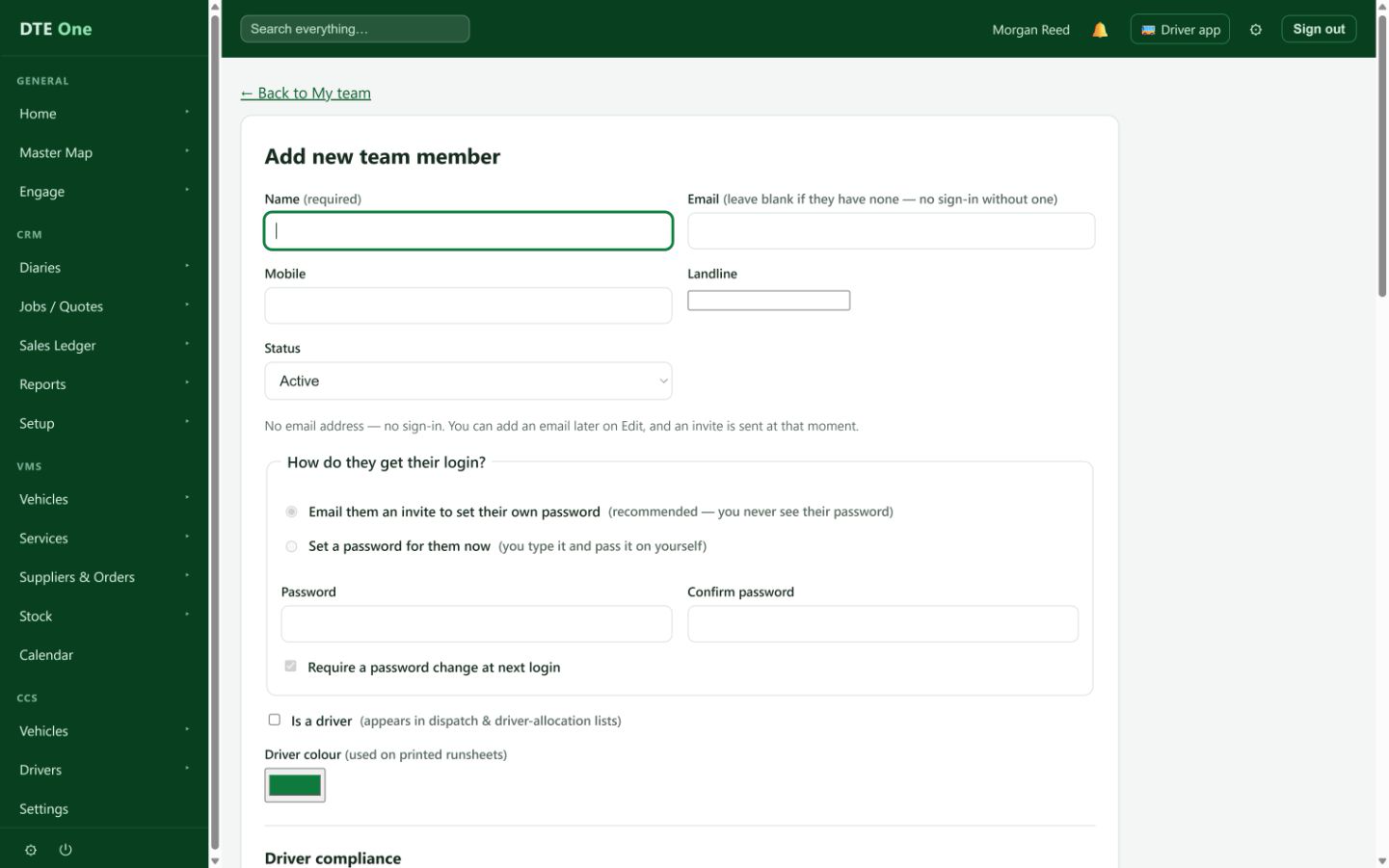
Open My team and select Add new team member.
 Open full size
The Add new team member page opens.
Enter their details
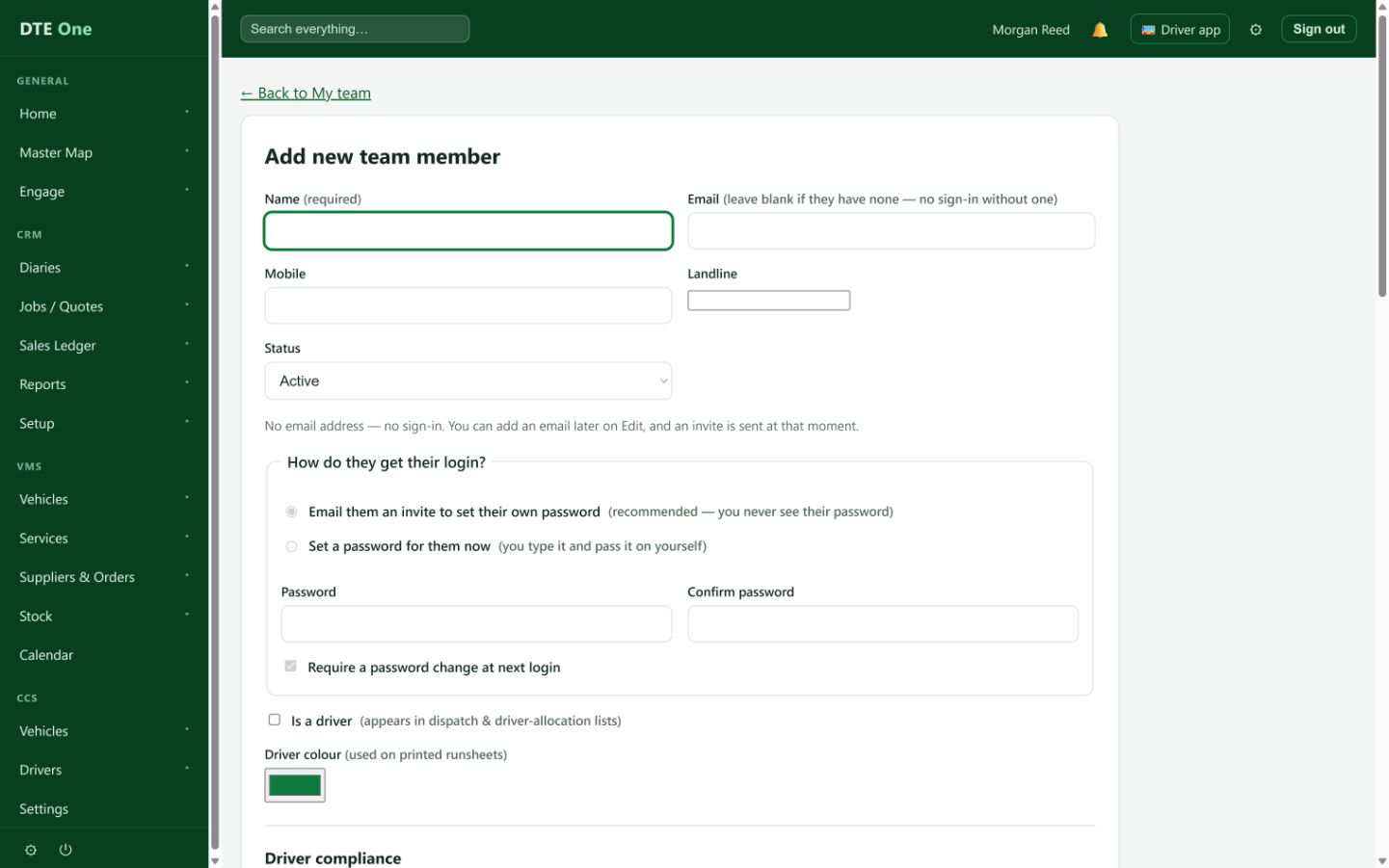
Enter their name and email. Mobile and landline are optional; Status starts as Active. Keep Email them an invite to set their own password selected so they choose their own password.
 Open full size
The invite option is selected and the password boxes stay unavailable.
Set their access
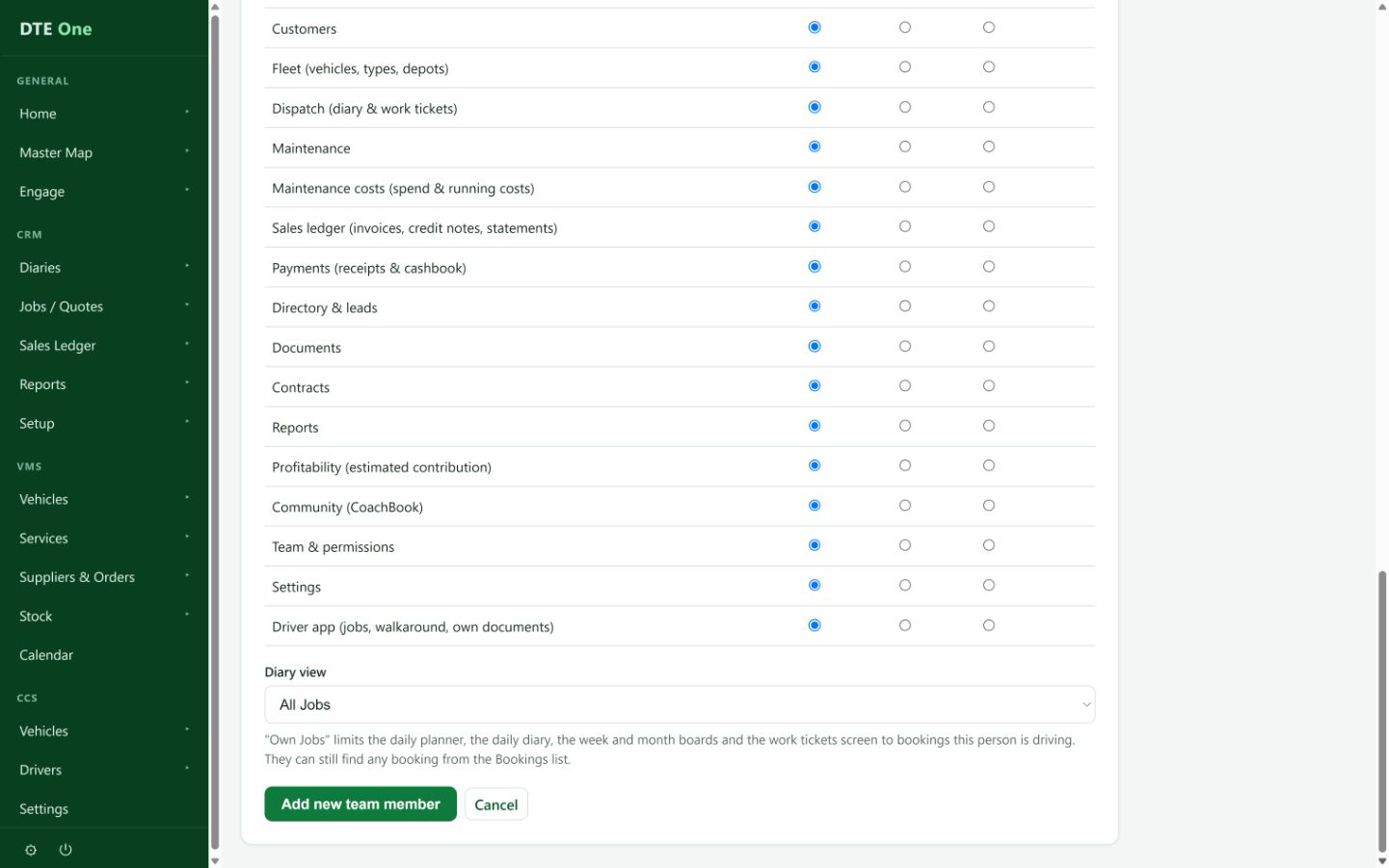
Choose Full access only for a colleague who should manage everything, including the team. Otherwise use a preset or choose None, View or Manage for each area. Set the dispatch record scope if needed.
 Open full size
The Access section shows the intended permissions.
Add and send the invitation
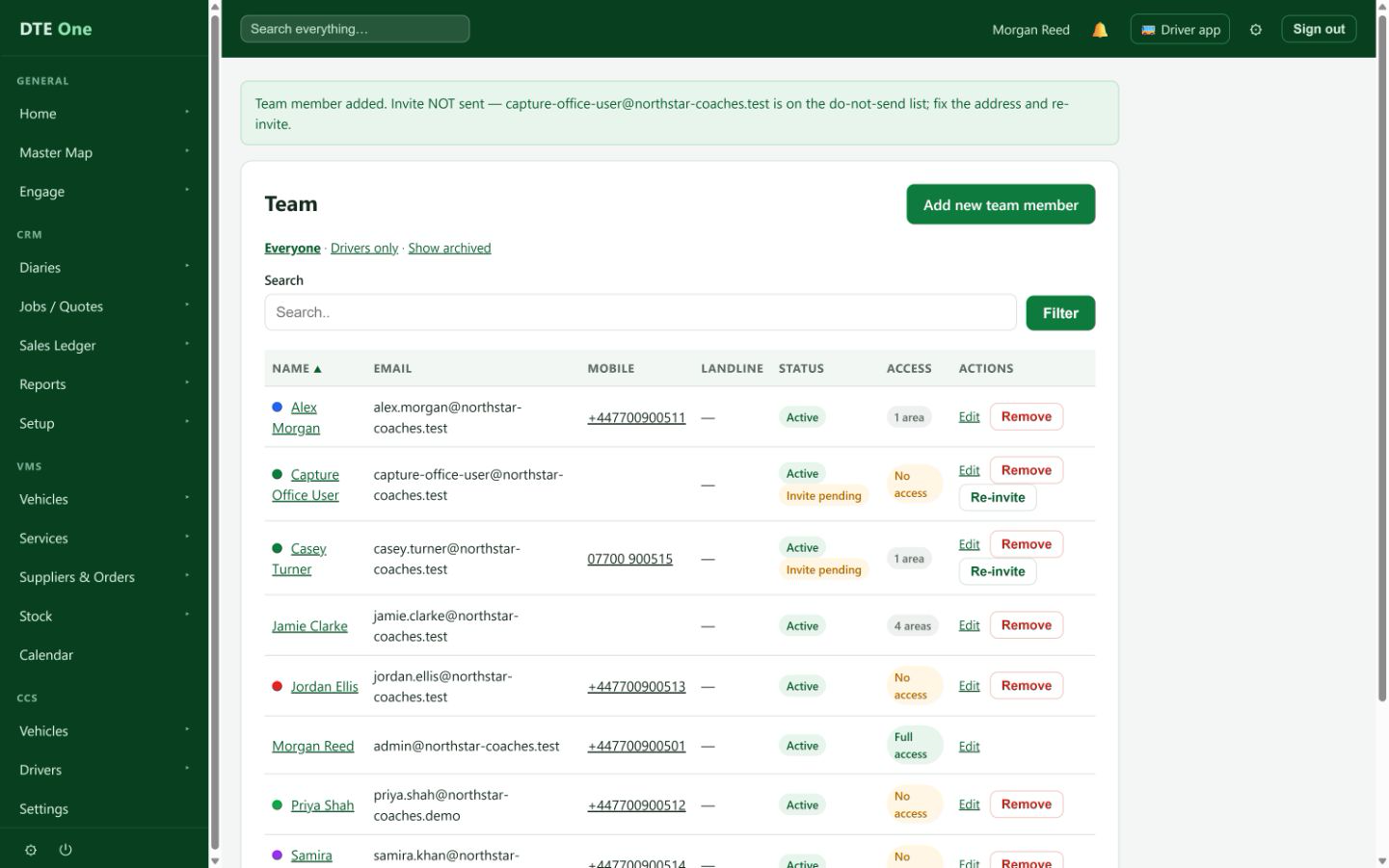
Select Add new team member and read the confirmation to see whether the invitation was sent or needs attention. The team list marks an eligible new account Invite pending until the colleague completes setup and signs in; that label does not prove the email arrived.
 Open full size
A confirmation appears and the user is listed as Invite pending.
Check it worked
- The person is in My team with the intended access.
- The invite email is sent or a clear message explains why it was not sent.
- Their status shows Invite pending until they set a password and sign in.
Something not quite right?
Can I add someone with no email?
Yes, but they cannot sign in and no invitation is sent. Add an email later on Edit to send an invitation automatically.
Why was no email sent?
The address may be suppressed or unavailable. Check the confirmation, correct the address, then use the pending invitation options if eligible.
Can I enter a password and send an invite?
No. Choose one login method. The recommended invitation route lets the colleague set a password you never see.
What does Full access do?
It gives access to everything, including managing team members. Use the per-area matrix for a narrower role.