Find or resend a missing invitation
Check whether a colleague is still awaiting their first sign-in and resend an invitation only when their account is eligible.
Open My team and find the colleague. Invite pending means they have not signed in and still need to set a password. Select Re-invite to send a fresh link. If they have No email, use Edit to add one; if they already have a password or have signed in, Re-invite is unavailable and you should use Edit to set a password instead.
Before you start
You need Team access with permission to make changes.
- Confirm the colleague’s correct email address.
- Check whether they have ever signed in or were given a password.
Find the team member
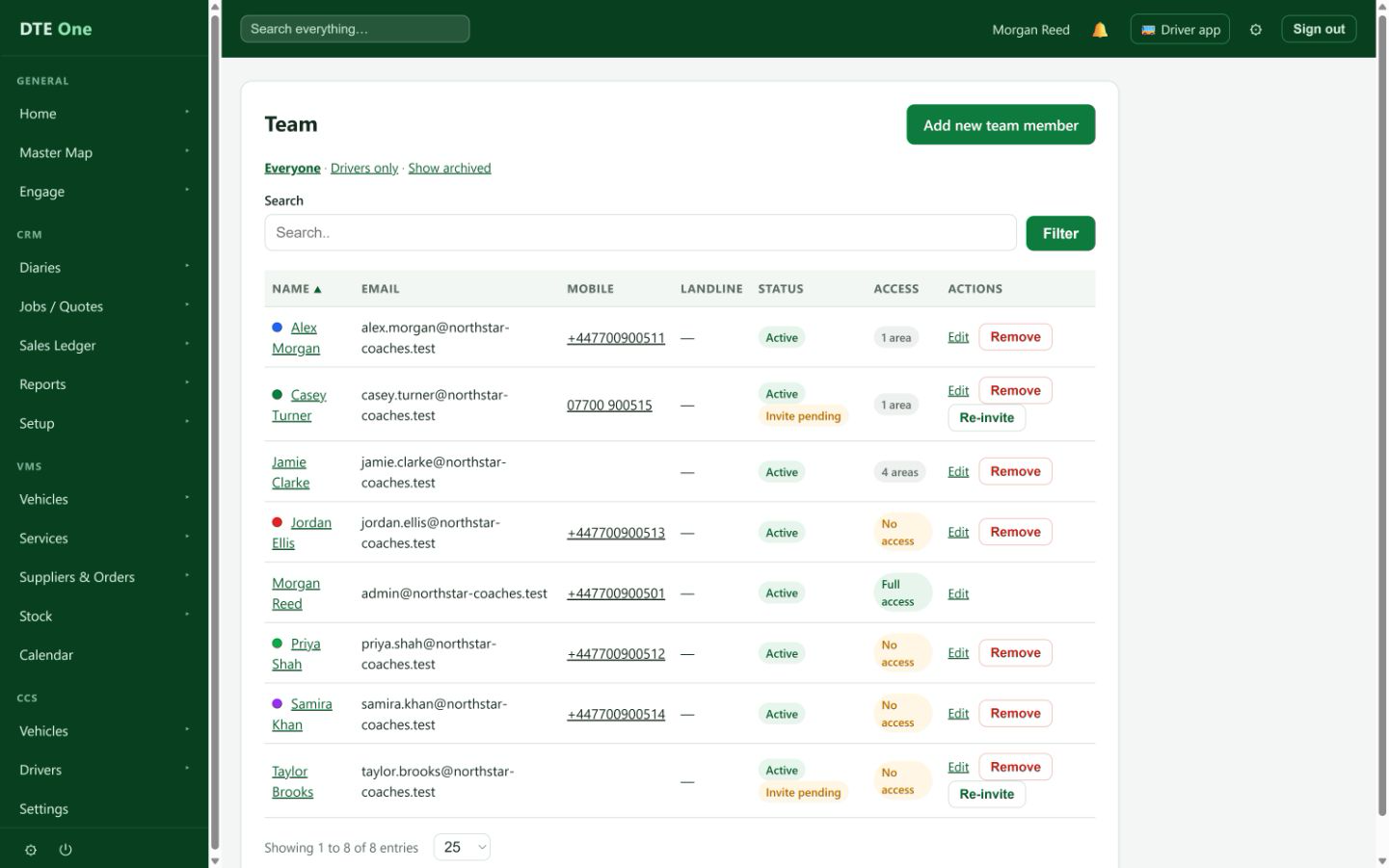
Open My team and search for the colleague. Check the status beside their name.
 Open full size
The row shows Invite pending, No email, Reset due, or their active status.
Re-invite an eligible colleague
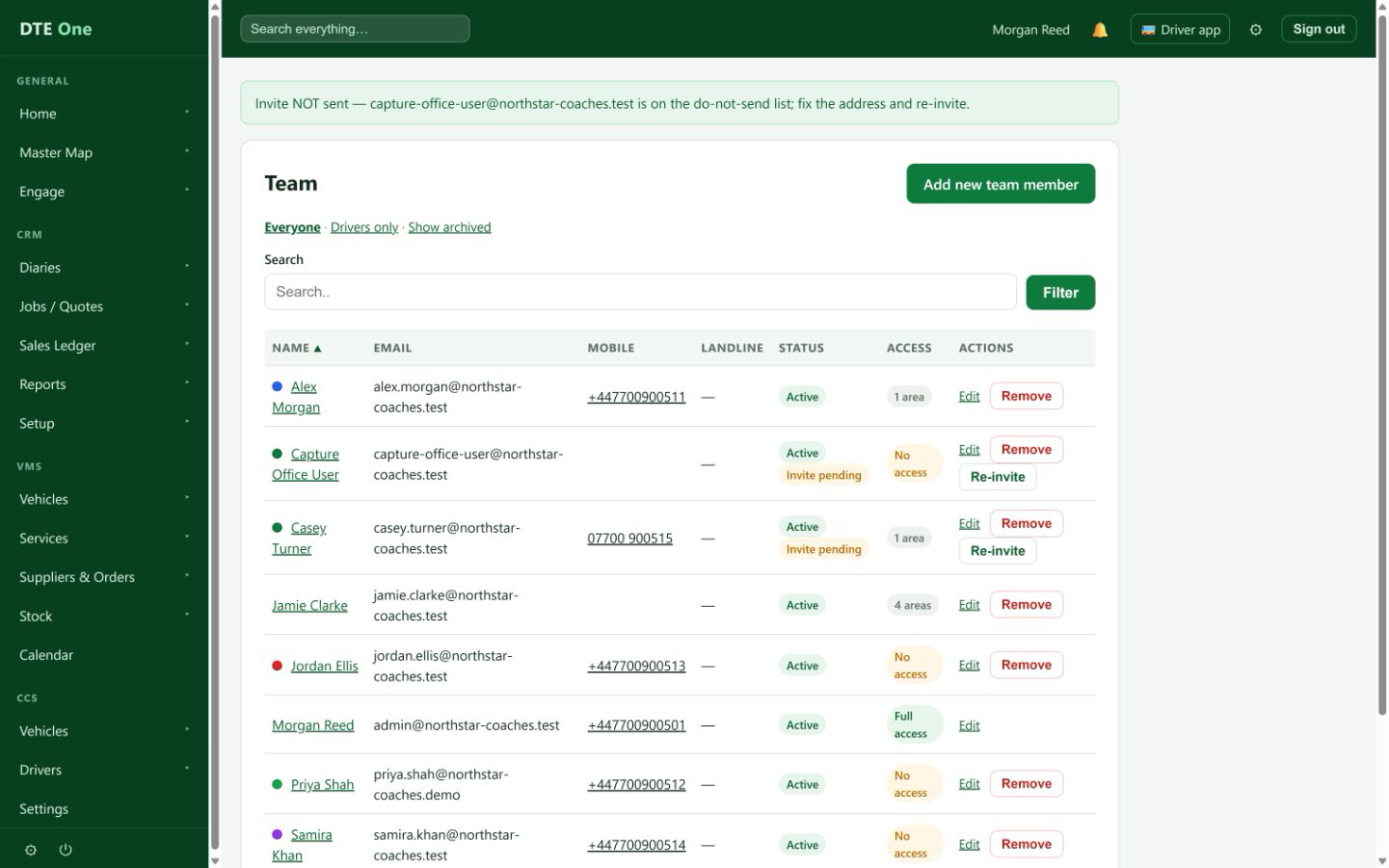
Select Re-invite only when the row says Invite pending. This sends a fresh set-password invitation, including when the earlier link has expired.
 Open full size
A confirmation appears and a new invitation is sent.
Add an email when there is none
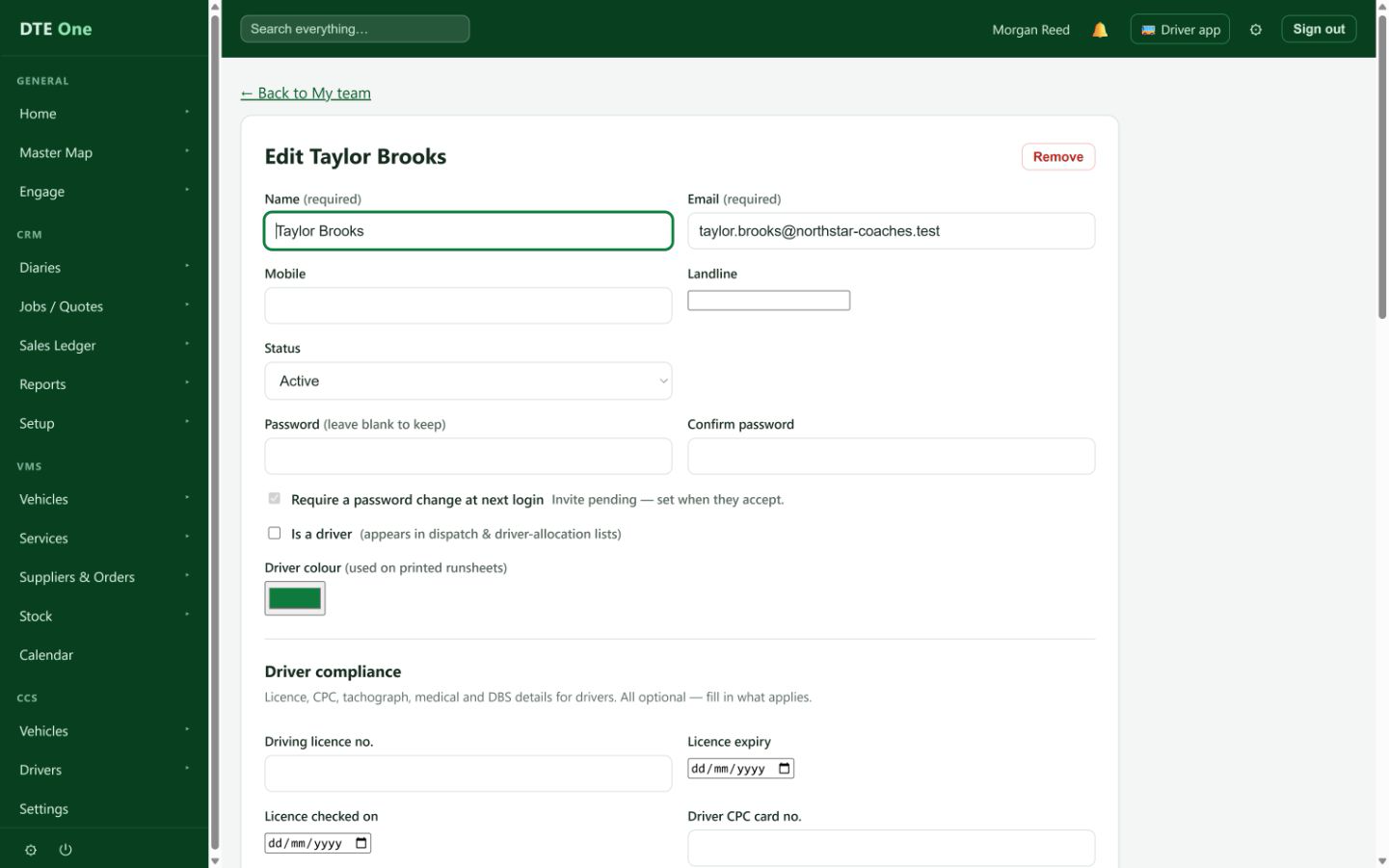
For No email, select Edit, enter the email address and Save changes. DTE sends an invitation automatically when an eligible no-email colleague gains an address.
 Open full size
The person changes from No email to Invite pending.
Help someone who already has credentials
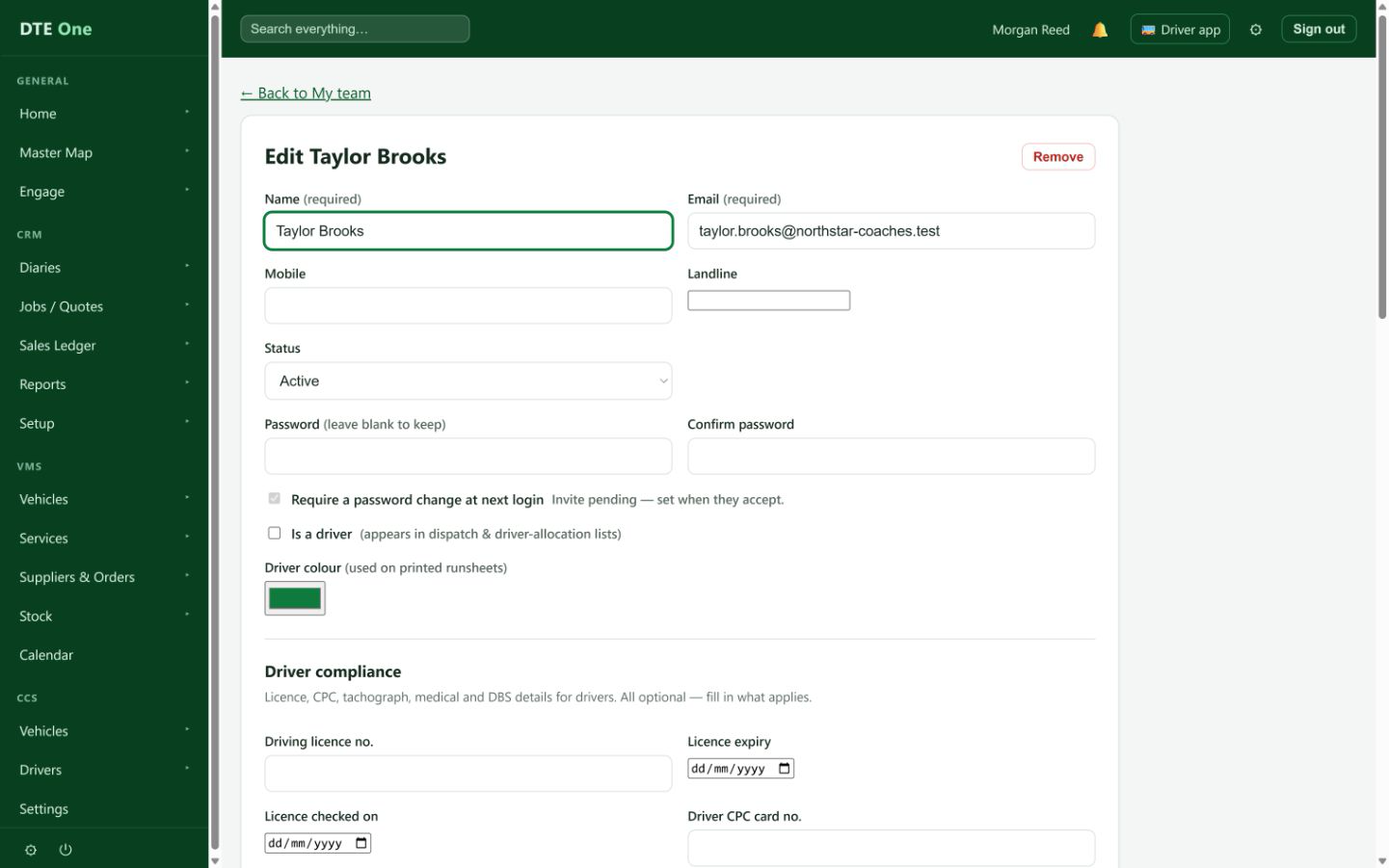
If Re-invite is absent because they have already signed in or already have a password, select Edit and set a new password if necessary. Do not send a new invitation to an established account.
 Open full size
The account can sign in with the updated password.
Check it worked
- An eligible pending colleague receives a new invitation.
- A no-email colleague receives an invite after an email is added.
- Established accounts are handled by password changes rather than invitations.
Something not quite right?
Why is Re-invite missing?
It is available only to someone who has never signed in and still needs to set a password. It is hidden for no-email, removed, and established accounts.
Can I re-invite someone I gave a password to?
No. A new invitation could replace the password you gave them. Use Edit to set a new password if they need help signing in.
The old invitation expired. Can I still resend?
Yes, if the account still shows Invite pending. Re-invite creates a fresh link.
Why cannot I re-invite a removed person?
Removed team members must be restored first. Their old sign-in links are deliberately cancelled.