Change a booking
Edit the saved journey, price or booking details while preserving the current record.
Open the quote or booking, choose Edit, make the required changes and select Save changes. The edit form includes the customer, journey, price and details. Take care when removing a return journey: saving without it removes that return leg and any crew assigned to that leg.
Before you start
You need Bookings access and permission to manage bookings.
- Know which quote or booking needs changing.
- Have the revised journey or commercial details confirmed.
Open the quote or booking
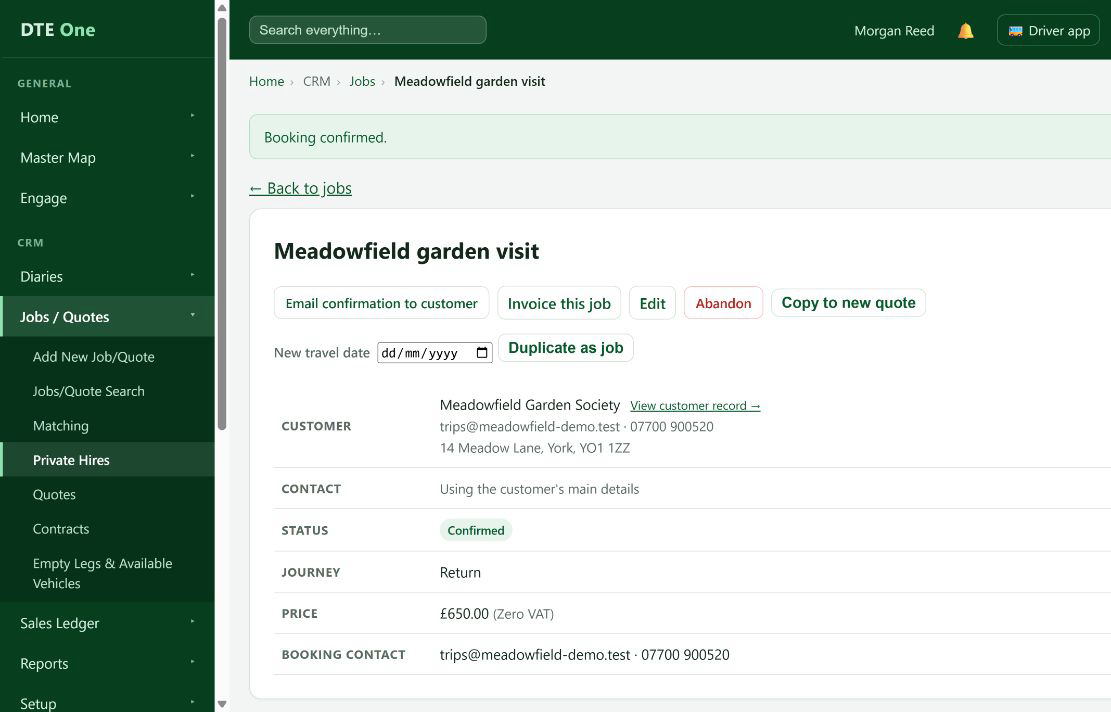
Open the record from Quotes when it is still a quote, or Jobs when it is confirmed.
 Open full size
The booking page opens with the current details.
Open the edit form
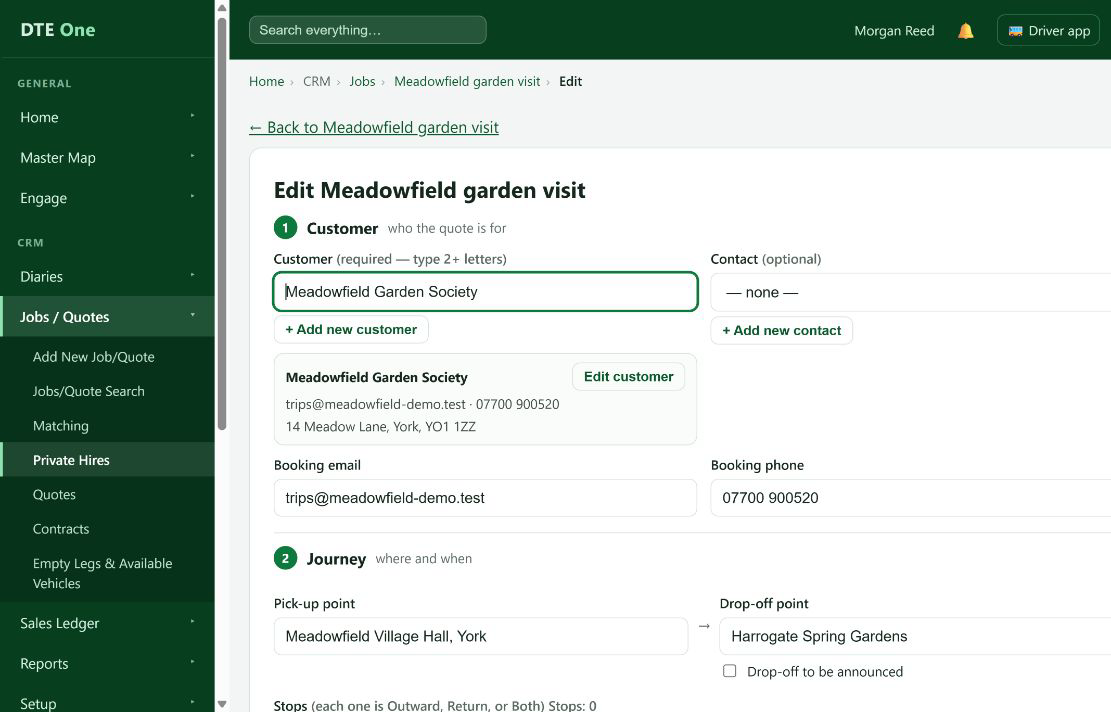
Select Edit.
 Open full size
The full booking form opens with the saved details filled in.
Change the required details
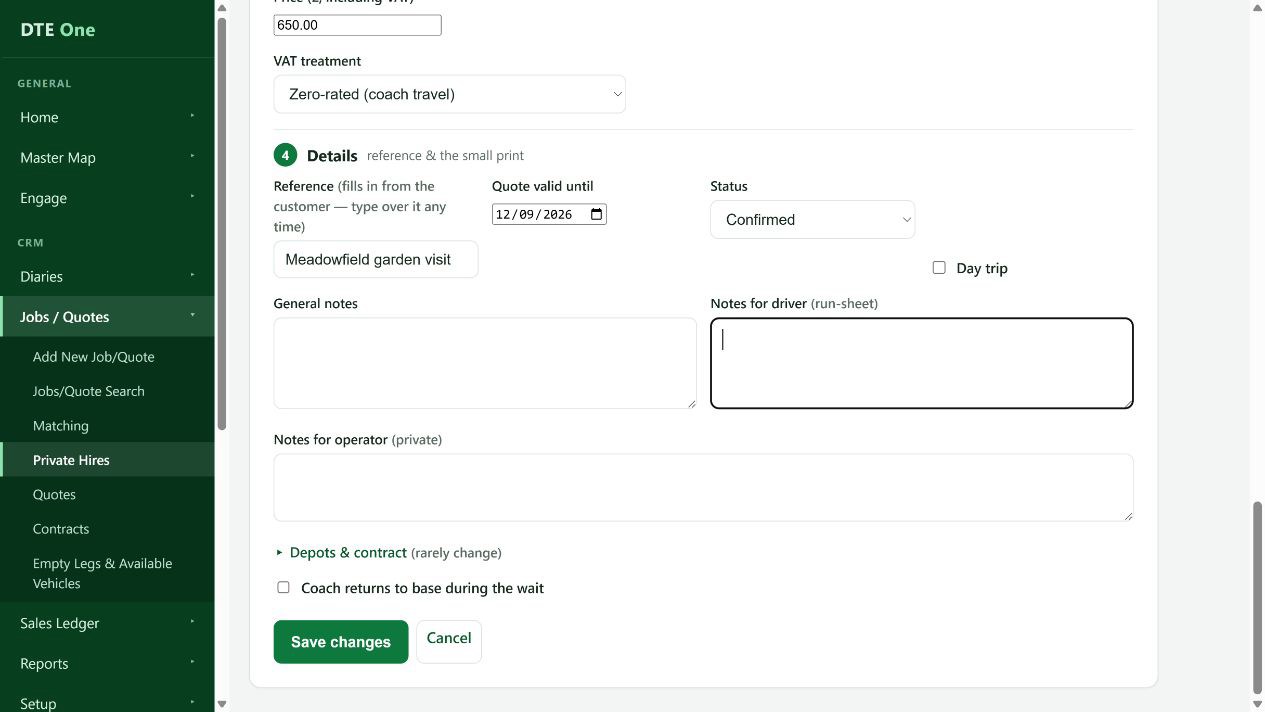
Update the customer contact, journey, price, reference, notes or other details that have changed. Keep the status as shown unless you are deliberately changing it through an allowed booking workflow.
 Open full size
Your revised values are visible in the form.
Review any return journey
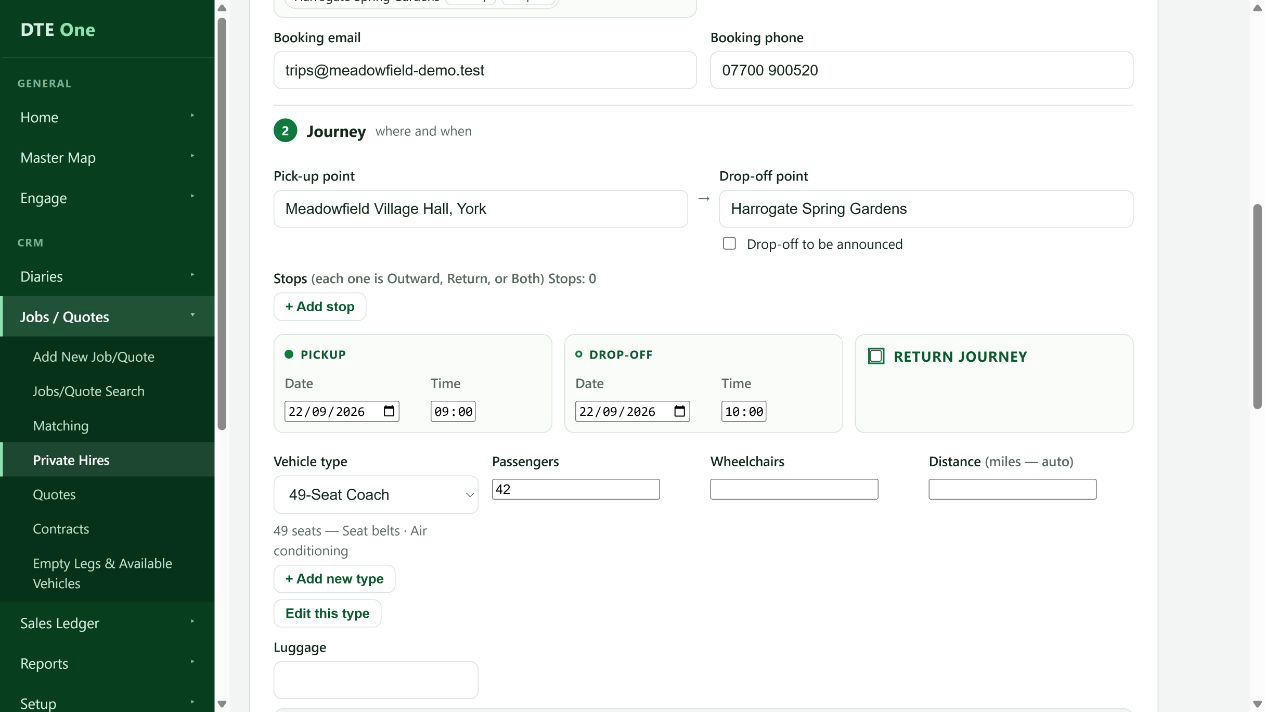
If you turn off Return journey, DTE asks you to confirm when you save. Saving without the return journey removes that leg and any crew assigned to it. Keep Return journey selected if the return is still needed.
 Open full size
You either retain the return details or understand the effect of removing them.
Save the changes
Select Save changes. If DTE reports that someone else has changed the booking, reopen the latest version, review it and then apply your change again.
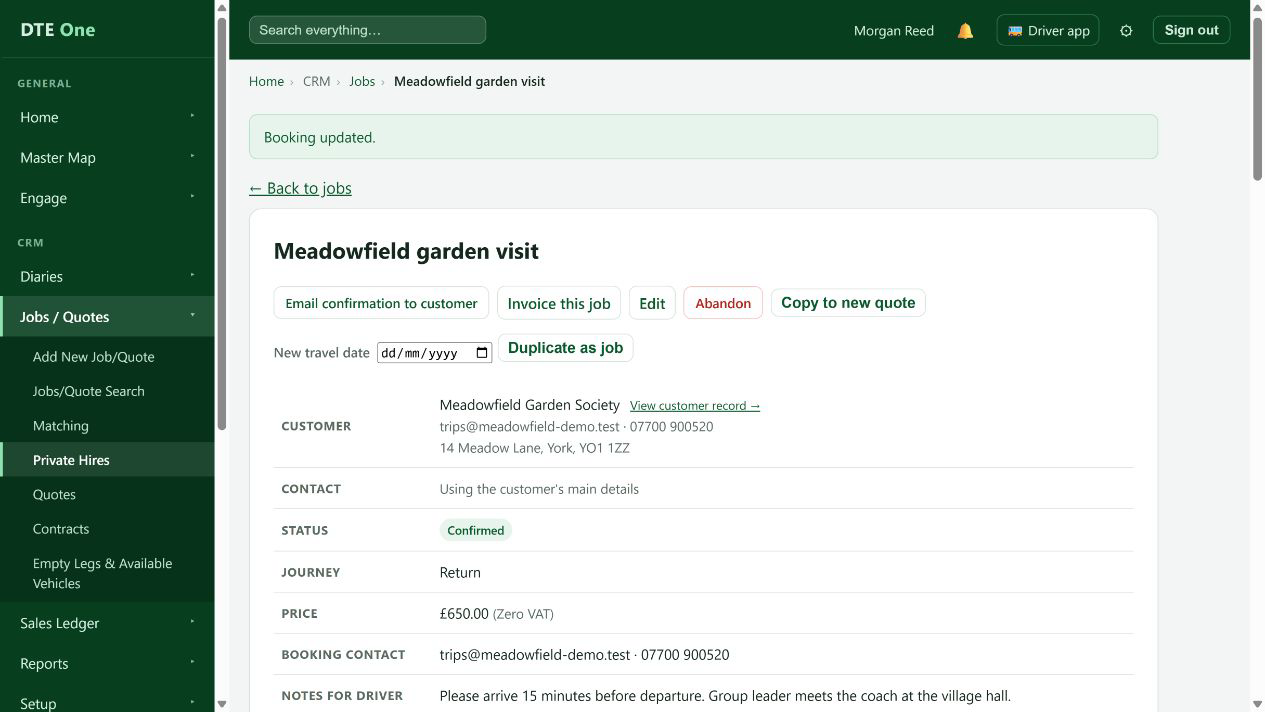 Open full size
The booking page reopens with a confirmation that the changes were saved.
Check it worked
- The booking page shows the revised information.
- The quote or booking stays in the appropriate list for its current status.
Something not quite right?
Why is Save changes unavailable?
Imported history can be read-only. In that case, use Copy to new quote from the booking page for new work rather than changing the imported record.
Why did DTE ask me to reload?
Another user saved changes first. Reopen the latest record so you do not overwrite their work.
What happens if I remove the return?
The return leg is deleted when you save, along with any vehicle and driver assignments on that leg.
Can I cancel a booking by changing its status?
No. Cancellation uses the separate abandon action, which records a reason and handles issued tickets safely.