Add a customer
Create a customer record so it can be selected for quotes, bookings and contracts.
Open Customers and choose Add new customer. Enter the required customer name, then add contact and address details that your office needs. Select Create customer. DTE checks for an existing live customer with the same email or exact name first, so you can open that record or deliberately create a second one.
Before you start
You need access to Customers and permission to create customer records.
- Have the customer's name and, where available, a contact email, telephone number and address.
Open a new customer
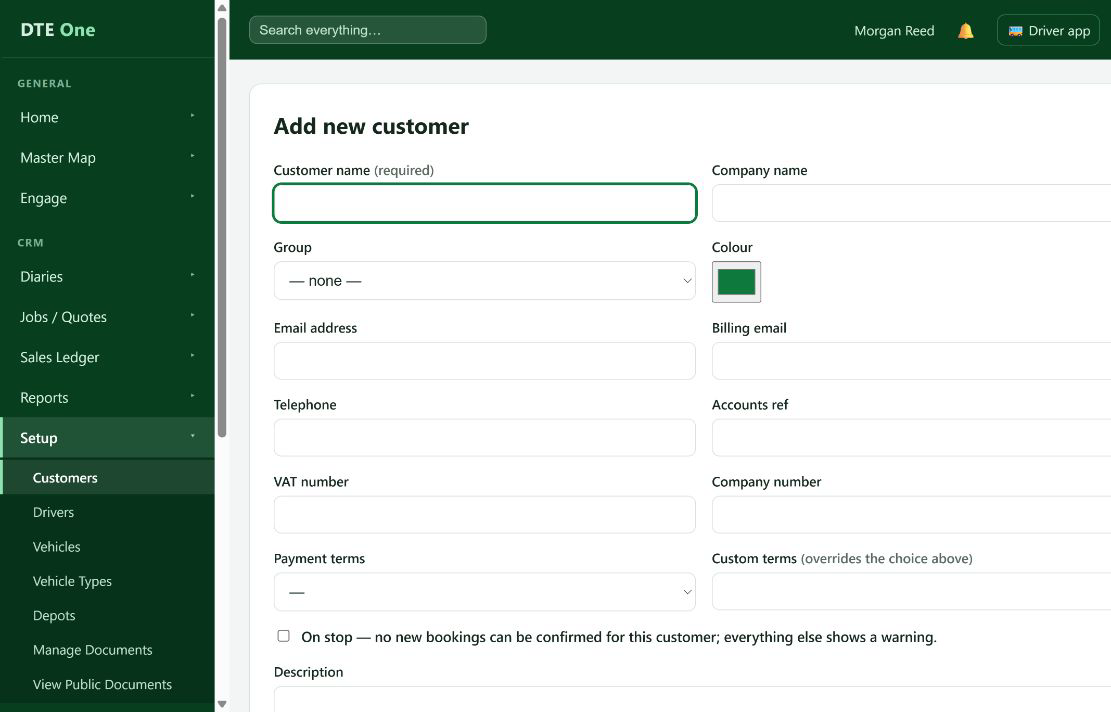
Open Customers and select Add new customer.
 Open full size
The Add new customer page opens.
Enter the customer details
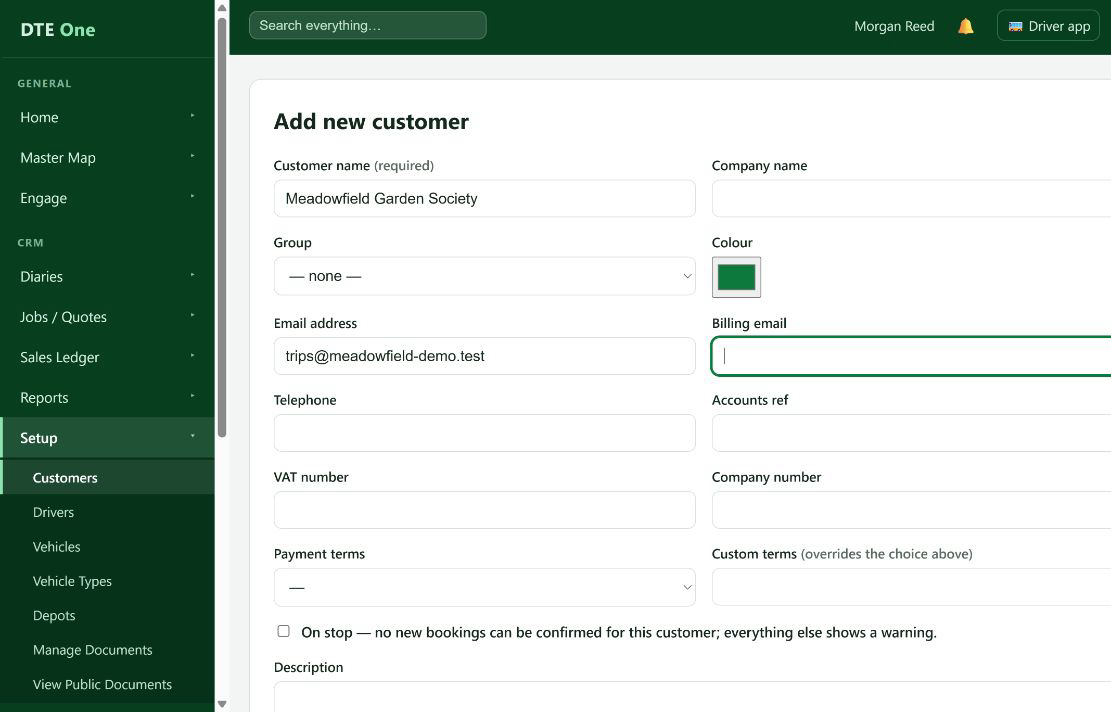
Enter Customer name. Add Company name, Email address, Billing email and Telephone where they are useful to your office. Choose a Group or Payment terms only if they apply.
 Open full size
The customer details remain on the form.
Add an address if needed
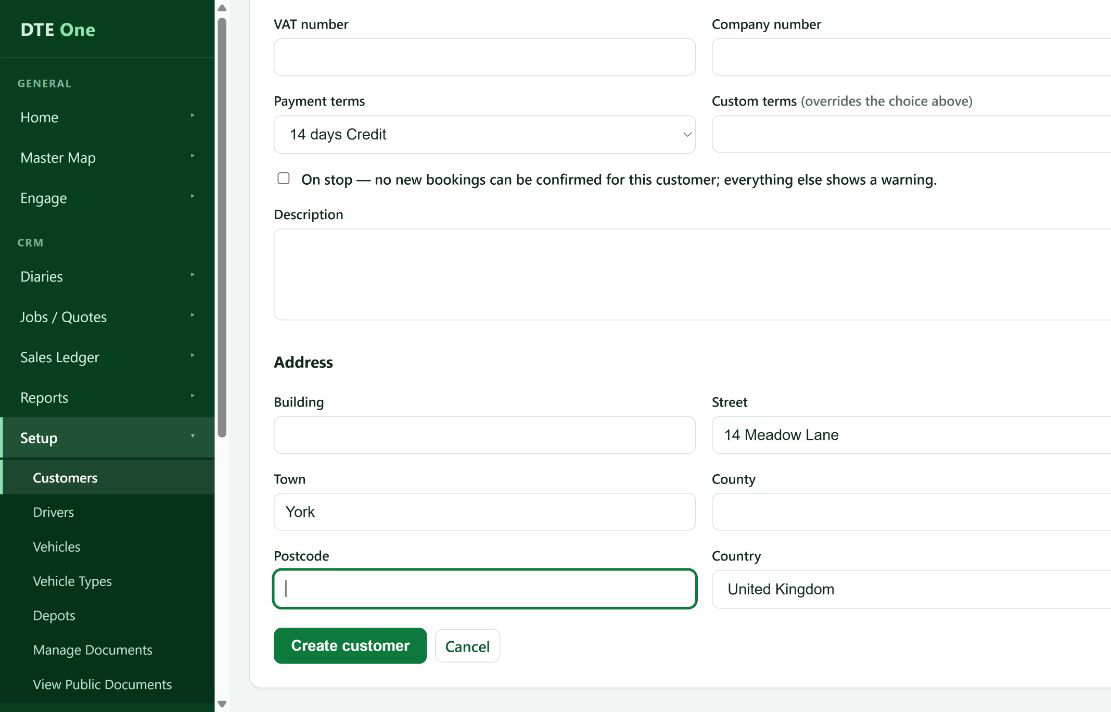
Use the Address section to enter the building, street, town, county, postcode and country. Add a Description for internal context if helpful.
 Open full size
The address fields show the details you entered.
Create the record
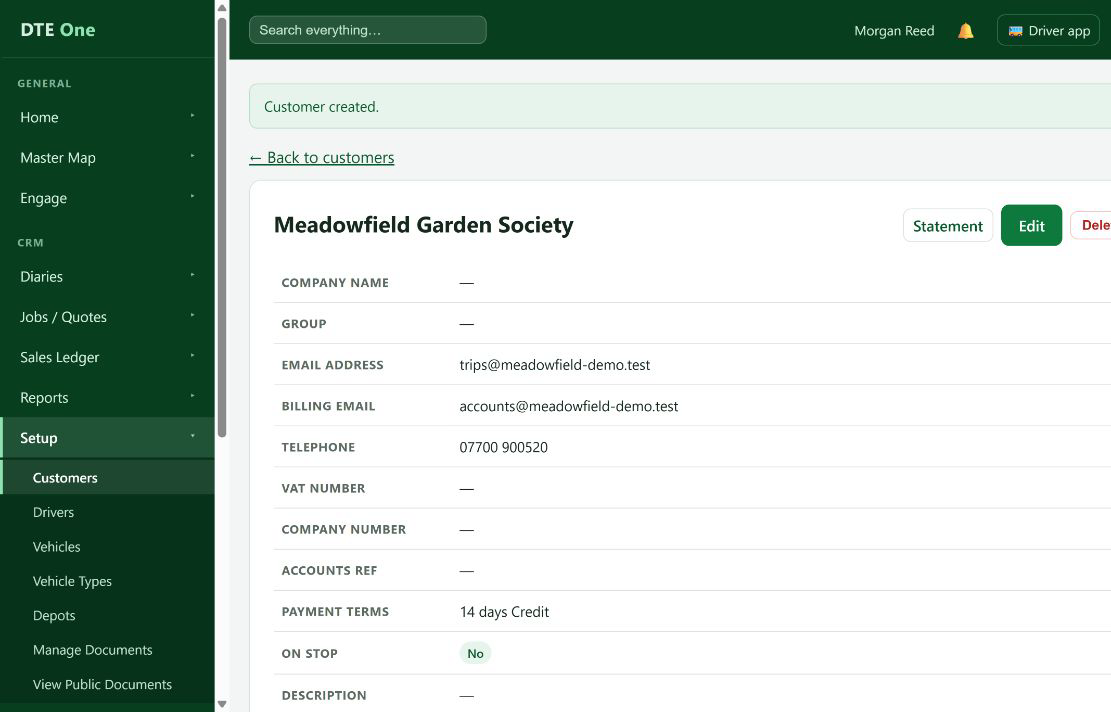
Select Create customer.
 Open full size
The new customer's record opens and shows that it was created.
Resolve a duplicate warning
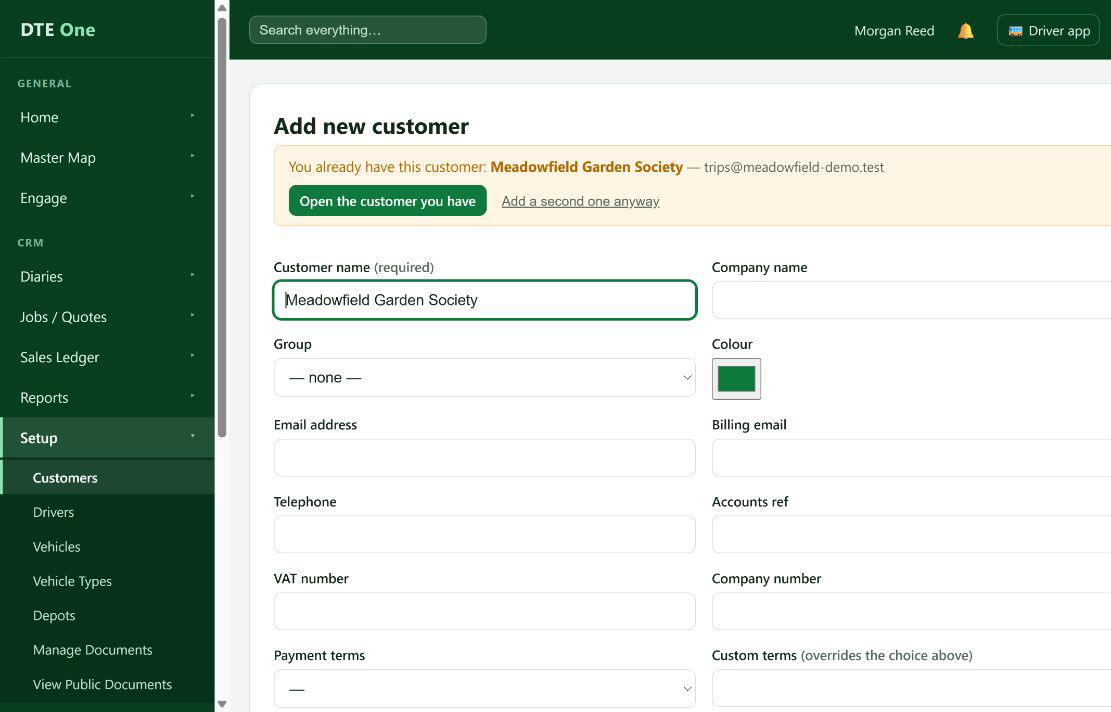
If DTE says you already have this customer, select Open the customer you have to use the existing record. Only choose Add a second one anyway when you have confirmed it is a different customer.
 Open full size
You either open the existing record or return to the form to create a separate record.
Check it worked
- The customer record opens.
- The customer is available for selection when creating a quote, booking or contract.
Something not quite right?
Why can't I see Add new customer?
Ask an administrator to give you Customers access with permission to manage customer records.
Why does DTE show an existing customer?
It found a live customer with the same email address or exact name. Open it first to avoid splitting the customer's history.
Can I create two customers with the same name?
Yes, after the warning, when they really are separate customers. The warning is there to prevent accidental duplicates.